VARIATE
Product Strategy • UX/UI • Design System • Front-end Development
A Figma plugin that turns one piece of copy into dozens of production-ready variations. 


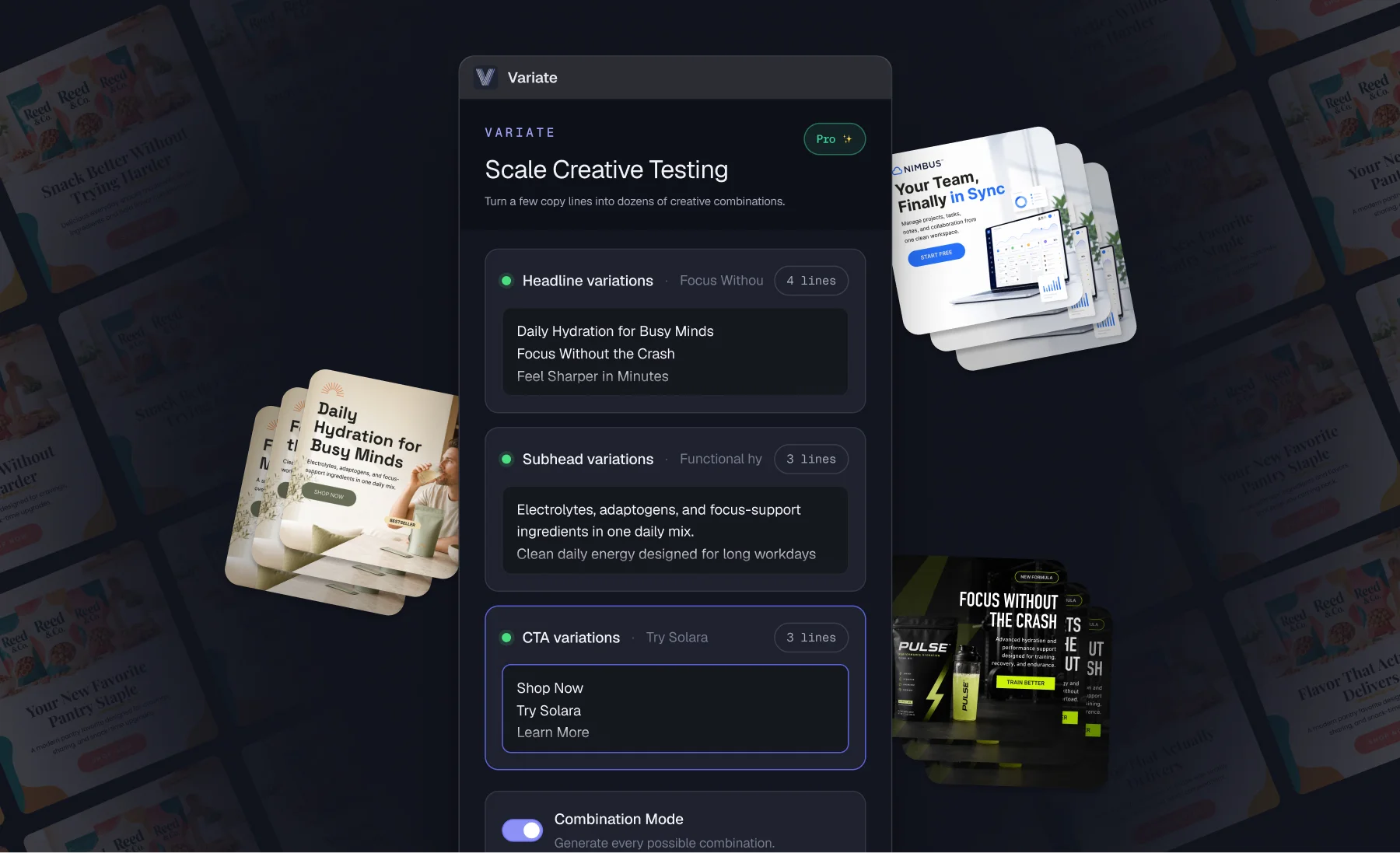
As Director of Design at Homestead Studio, one of the biggest bottlenecks I noticed wasn’t creating designs— it was creating copy variations. Designers constantly duplicated frames, pasted text from Google Docs, manually resized layouts, and repeated the same production work across dozens of assets. Variate was built to eliminate that process. Besides building the plugin, I created a landing page, an explainer video and visuals for the Figma page.
The Problem
Every campaign requires multiple versions. Different headlines, different CTAs, different offers, different products, different audiences, etc. Even with AI writing the copy, designers still spent hours manually replacing text across dozens of layouts. The workflow was slow, repetitive, and introduced unnecessary production errors.
The Solution
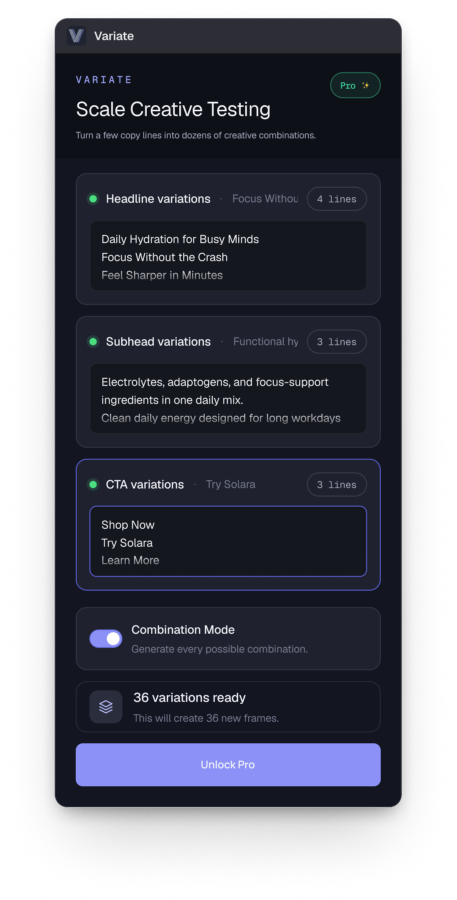
Variate connects structured copy directly to Figma layers. Instead of manually updating each design, designers can instantly generate and swap between dozens of approved combinations while preserving typography, spacing, and structure. The plugin reduces production time from hours to minutes while keeping designers inside the tools they already use.
Product Highlights
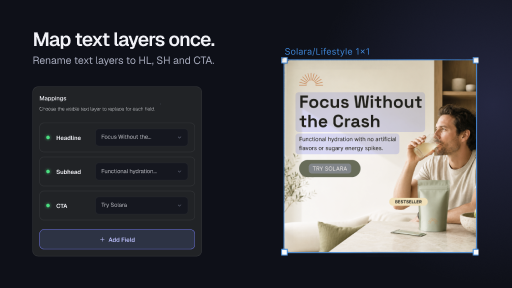
Intelligent Layer Mapping
Variate automatically detects common design elements including headline, subhead and CTAs. It can also map additional custom fields.
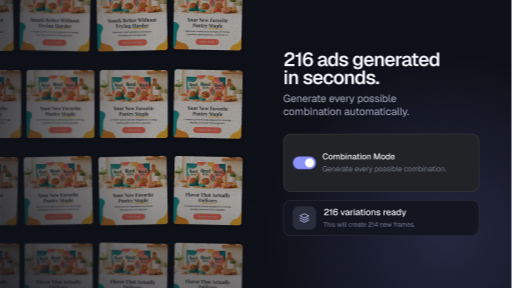
Combination Engine
Rather than generating one variation at a time, Variate creates every meaningful combination across selected fields.
Preserve Design Integrity
Unlike simple text replacement tools, Variate respects the existing design. Designers review creative— not formatting issues.
Built for Production Teams
Variate was designed around real agency workflows.
Website
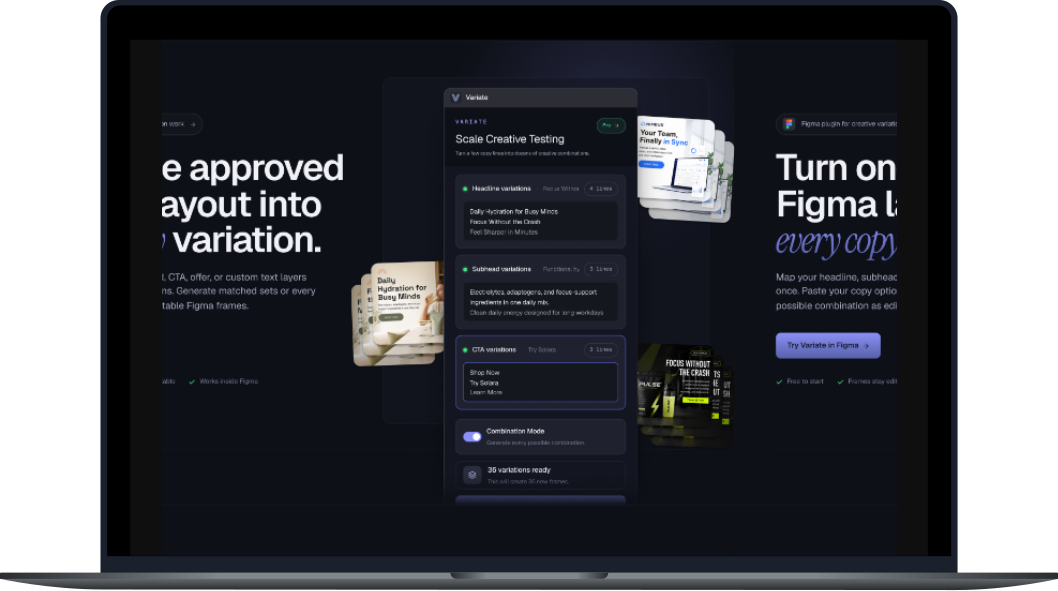
To support the launch, I also designed and developed the marketing website. The site focuses on quickly communicating the value of the plugin through interactive demos, feature explanations, pricing, and onboarding. The goal was to feel more like a product launch than a plugin download page.
VIEW SITE